
Bageto (Tom B.) - 28/10/2025
Byte Doctor suspects the attacker used a process injection technique to run malicious code within a legitimate process, leaving minimal traces on the file system. The logs reveal Win32 API calls that hint at a specific injection method used in the attack. Your task is to analyze these logs using a tool called API Monitor to uncover the injection technique and identify which legitimate process was targeted.
https://app.hackthebox.com/sherlocks/Operation%20Blackout%202025:%20Ghost%20Thread
1. What process injection technique did the attacker use?#
Load the binary into IDA Pro, then open the Exports Tab to view and inspect the exported symbols.

A TLS callback is a function pointer placed in the PE file’s TLS directory. The Windows loader walks the TLS callbacks array and calls each callback :
- when the module is loaded into a process (module load time),
- when new threads are created or when the module is unloaded (depending of OS behavior)
A TLS callback is therefore executed automatically by the loader before the program’s normal entry point or early in thread execution. Callbacks are listed as an array of function pointers terminated with NULL.
Answer : Thread Local Storage
2. Which Win32 API was used to take snapshots of all processes and threads on the system?#
An .apmx file is a log/trace file generate by API Monitor, a tool that hooks Windows API calls at runtime. Open the apmx (provided in artefacts) file with ApiMonitor.

On the right, all API calls are displayed. Note that each function is fully documented in Microsoft’s official documentation.
So, research on the Microsoft’s doc CreateToolhelp32Snapshot, with the ‘TH32CS_SNAPPROCESS’ flag, indicating that the binary is capturing a snapshot of all processes and threads on the system.
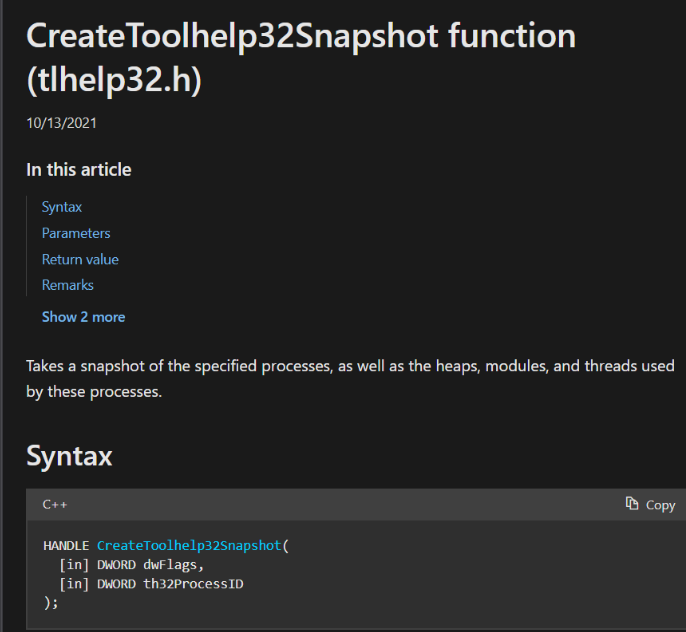
Answer : CreateToolhelp32Snapshot
3. Which process is the attacker’s binary attempting to locate for payload injection?#

The program iterates through the process list, comparing each process name to notepad.exe. When a comparison fails, it invokes the Process32Next function to move to the next entry in the snapshot.
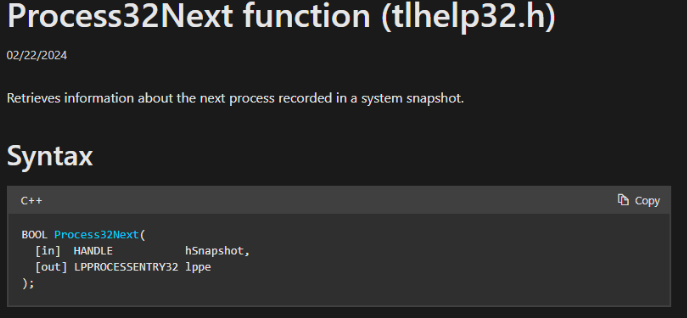
Answer : Notepad.exe
4. What is the process ID of the identified process?#
After identifying the notepad.exe process, the program invokes the OpenProcess function to rerieve a process handle.
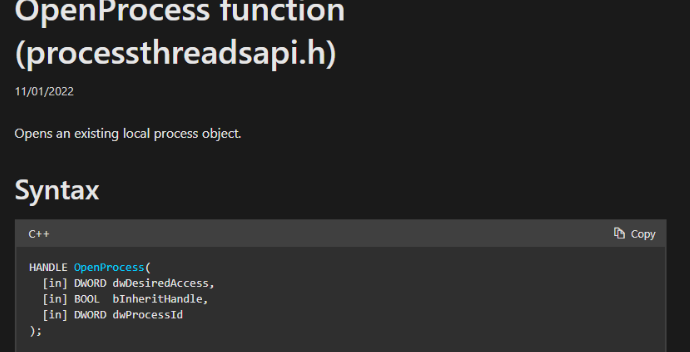
In Windows, a handle is an internal reference or token that grants the caller specific rights (like read/write/execute) to interact with a system object like a process, file, or thread.

Answer : 16224
5. What is the size of the shellcode?#
After obtaining a handle to notepad.exe, the binary calls VirtualAllocEx to reserve and commit memory inside the target process, then uses WriteProcessMemory to copy the payload into the allocated region.
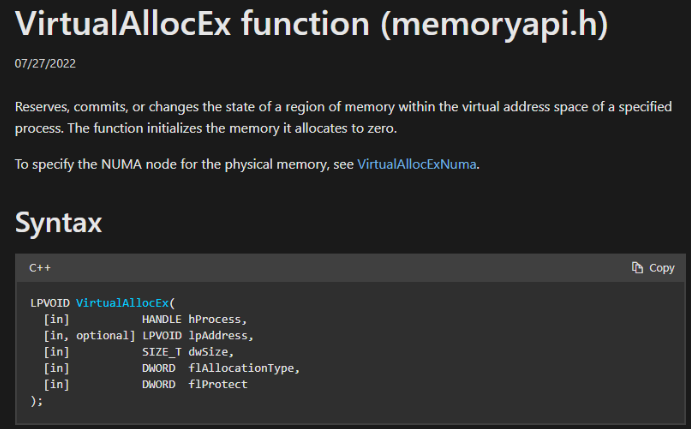
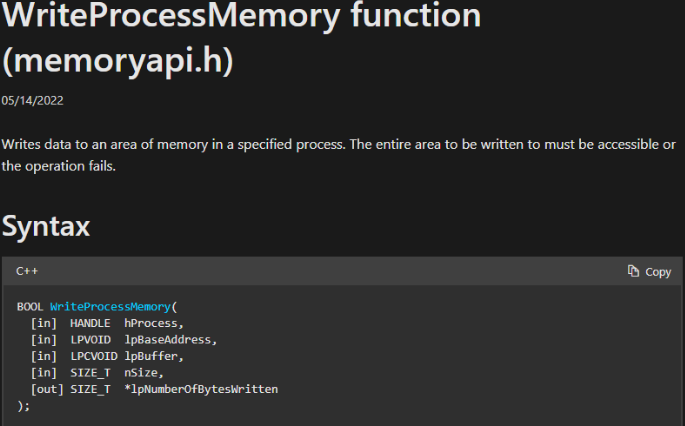
The nSize parameter in the WriteProcessMemory call reveals the shellcode’s size.
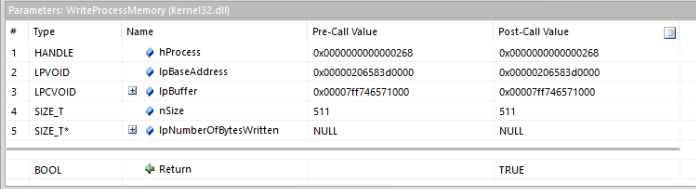
Answer : 511
6. Which Win32 API was used to execute the injected payload in the identified process?#
One line after the WriteProcessMemory function, we have the CreateRemoteThread, use to creates a new thread inside the target process using the process handle obtained earlier. Then it starts the execution at the supplied start address, in this case the address of the shellcode previously written by WriteProcessMemory.
The call returns a thread handle in the caller’s process.
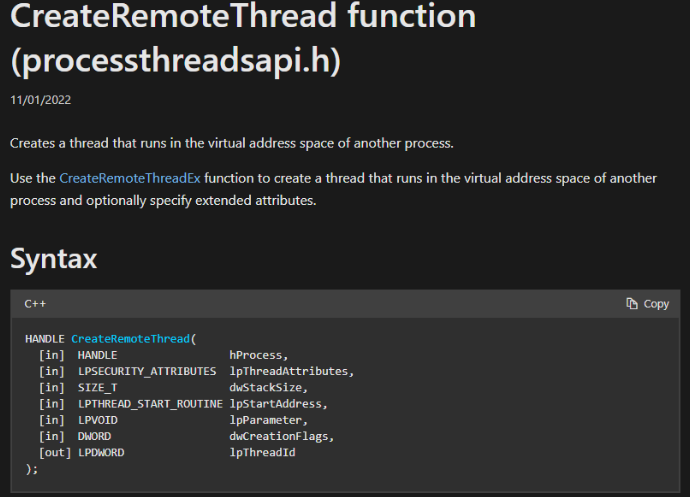
Answer : CreateRemoteThread
7. The injection method used by the attacker executes before the main() function is called. Which Win32 API is responsible for terminating the program before main() runs?#
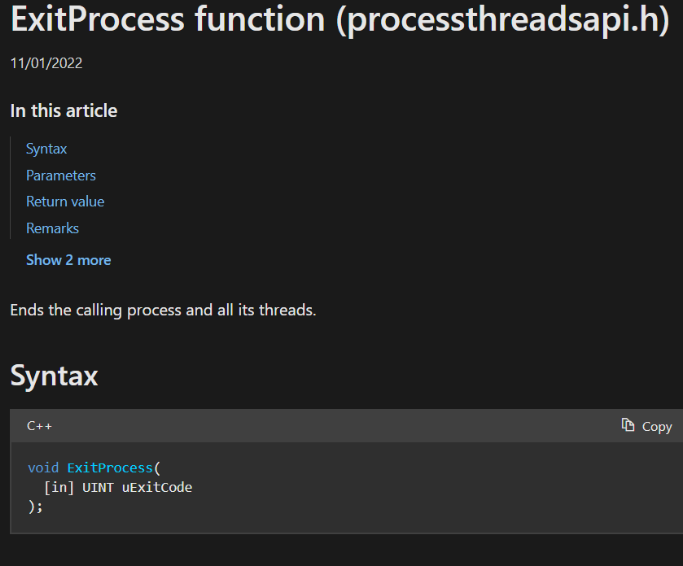
Answer : ExitProcess
Congrats and thanks for reading !
